
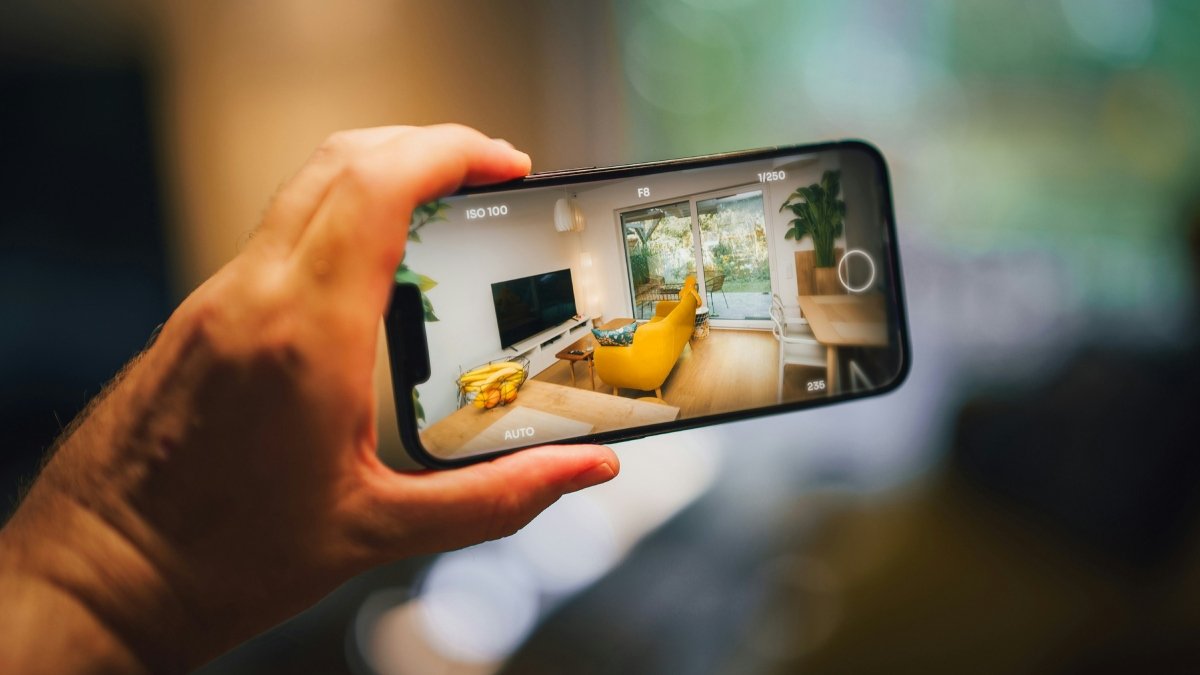
Old phones lying idle at home? They can be made into CCTV cameras and can make security tight.
Old phone CCTV: Many of us have an old phone lying around which is not used at home. You might think that since these phones have become old, they are no longer worth using, but an easy way to use them is to convert them into CCTV cameras. For this you do not need any complex things. If the phone still has a working camera and can connect to Wi-Fi, you can set it up as a basic security camera. It won’t exactly replace a proper CCTV system, but it works fine for keeping an eye on a room, entry gate or even a parking area.
What you need before setting it up
Setup is quite easy but some basic things need to be in place. So that the old phone can remain operational for a long time, it is better to keep it connected to the charger. You will also need another device to view the camera feed. This can be your main phone, tablet or even laptop. Especially if you want to check CCTV camera feed when you are not at home, it is very important to have a stable internet connection.
Apps that can make this setup easier
There are some apps that make this process easier. Apps like Alfred Camera, Manything and DroidCam are usually used for this setup.
These apps let you use one phone as a camera and the other as a viewer. Once you log in on both phones the feed starts appearing. Some apps also offer additional features like motion alerts or recording but it depends on which app you choose and how good your old phone is. It is also important to stay connected to reliable CCTV apps and keep your accounts safe as everything is connected online.
How setup works
Install the same app on both phones.
On older phones, just select the camera option.
On your main phone, select the viewer option.
Log in using the same account on both devices.
Once setup, the live feed will start appearing on your main device.
After this, keep the old phone where you want to keep an eye like in the room, entry gate or parking area. Make sure the camera has a clear view and that the phone will be kept stable. It is very important to keep it plugged in to the charger so that it does not switch off.
some things to keep in mind
This setup works but it has some limitations, such as-
Camera quality depends on the age of your phone, so if the device is very old it may not be possible to get very sharp footage.
Internet connection is also very important in this. If Wi-Fi stops then the feed will also stop.
Some apps can also store recordings but after a certain limit the storage gets filled.
read this also



Add comment