Network Down: After the storm in Delhi-NCR, there was problem in telecom service, call and internet services stopped?

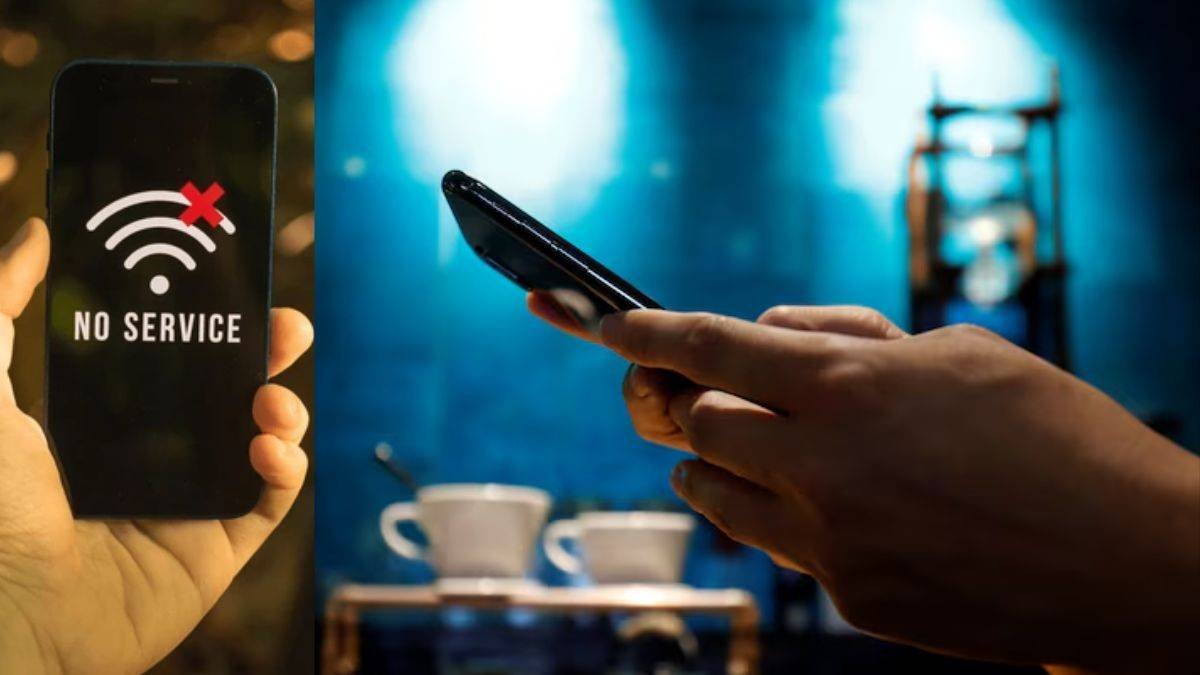
Network Down: After the storm in Delhi-NCR, many users have claimed on social media regarding the services of many telecom operators including Airtel that they are facing problems in calls and internet services. Many users have reported on social media platform X regarding the mobile internet service of Vodafone-Idea and Airtel.
On Internet service tracking website Downdetector, 64% of users have reported problems with Airtel’s mobile internet service. 57% users have also reported problems in Vodafone-Idea’s service. However, now telecom service is working fine in Delhi-NCR.
 Problem in Vodafone-Idea
Many users reported
There has been this problem in telecom service after the storm in Delhi-NCR. However, no official statement has been issued by Airtel and Vodafone-Idea regarding this. Many users on social media platforms have reported problems in Airtel’s service, after which Airtel Care has apologized for the problem.
According to Downdetector, about 27% of users have reported problems related to Airtel’s signal. Apart from this, 6% of the users are facing problem in voice calls.
 Airtel service stopped
What to do if there is no signal?
Many times the problem in telecom service gets resolved after some time. At the same time, there are problems related to mobile signal and internet in some areas. If this happens, if you refresh the network connectivity once again, the calling and internet problem may be resolved. This may happen due to network refresh.
To refresh the network, you will have to go to the phone’s settings and turn on Airplane Mode. After keeping it on for a few seconds, turn it off again. By doing this the network gets refreshed and calling and internet service can start again.
Apart from this, go to the settings of the phone and go to the mobile network option. After selecting the telecom operator, change the network from automatic to manual network. Select the telecom service provider’s network if it is available. By doing this the network problem can also be solved.
Also read – Xiaomi 17T launched in India, what is special about the phone with 5x periscope camera, 6500mAh battery?