Best Smart Chess Boards (2026): Chessnut, Millennium

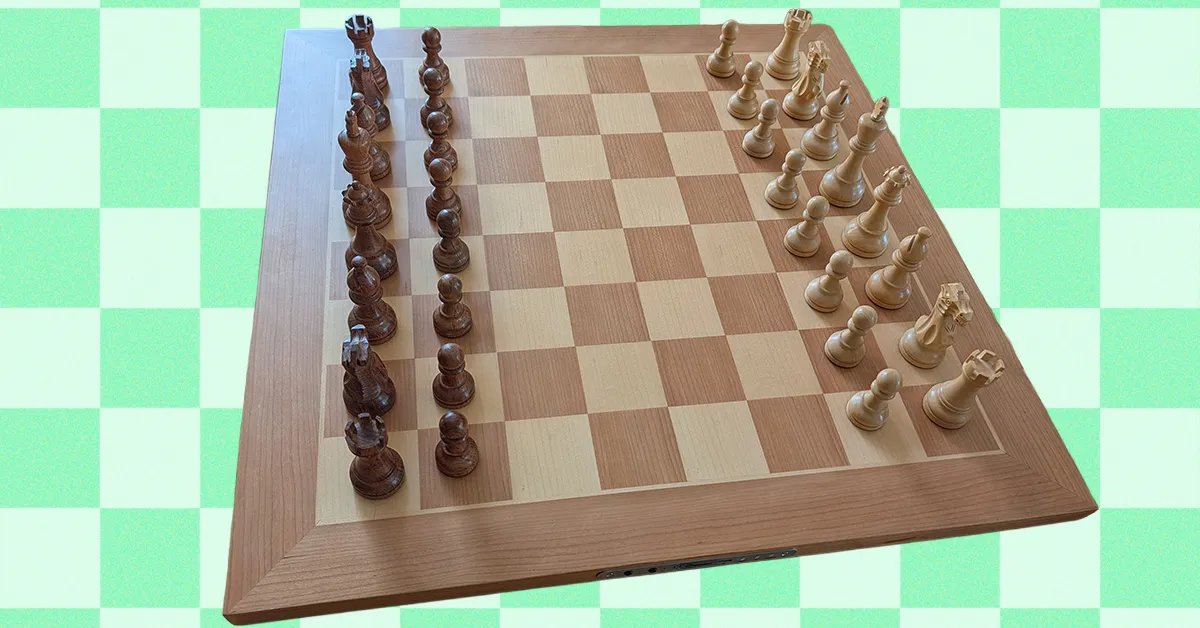
Playing chess can be challenging, fun, and at times frustrating. Garry Kasparov called the game “mental torture.” With virtually limitless possibilitieschess offers unmatched depth, and you could easily fill a library with books on how to play it. The internet has opened up a wealth of potential competitors, and smart chess boards enable you to play anyone online or off, not to mention dabble in a variety of chess programs.
I’ve been testing smart chess boards for the past month or so, with the help of my chess-mad eldest, and these are my top picks.
The Smart Chess Boards I Recommend Most
For my opening gambit, I’m recommending the Chessnut Pro. With a classic wooden design, the Chessnut Pro feels like a regular board, but there are smarts hidden within. The beechwood pieces are beautifully weighted, an important but often underestimated feature. They feel great in hand, and the set includes a pair of extra Queens. This is a full tournament-size board (55 cm or 21.7 inches), so you’ll need space for it.
The board is very nicely made, with subtle red LEDs hidden in the corner of each square that light up to show moves. I love that it looks like a regular board when you’re not playing online. There are discreet controls on one side with a USB-C port and Bluetooth connectivity to hook it up to your computer, laptop, or smartphone. There’s no need to press down with each move, as every piece has a sensor chip inside that’s automatically detected.
We used the Chessconnect Chrome browser extension to play matches on chess.com and lichess.organd it was quick and easy to get up and running. The official Chessnut app features AI opponents, but they’re a little weak and lack variety. It isn’t great, but you don’t have to use it, and you can link up to different online services with a bit of tinkering (check out Graham’s Programs for some better options). Online play was occasionally a little glitchy. Sometimes there’s a slight lag, and we had to click to reconnect for every game. Battery life is quite good (we got seven to eight hours), though it takes a while to recharge (best to leave it overnight).
If you understandably don’t want to spend that much, the Chessnut Air ($250) is a far more affordable option. It’s also wooden but much smaller (33 cm or 13 inches), with lighter pieces and visible LEDs. The Air+ ($400) is the same size but with superior weighted wooden pieces and subtle LEDs on the board. Functionally, both give you much the same experience as the Pro.