
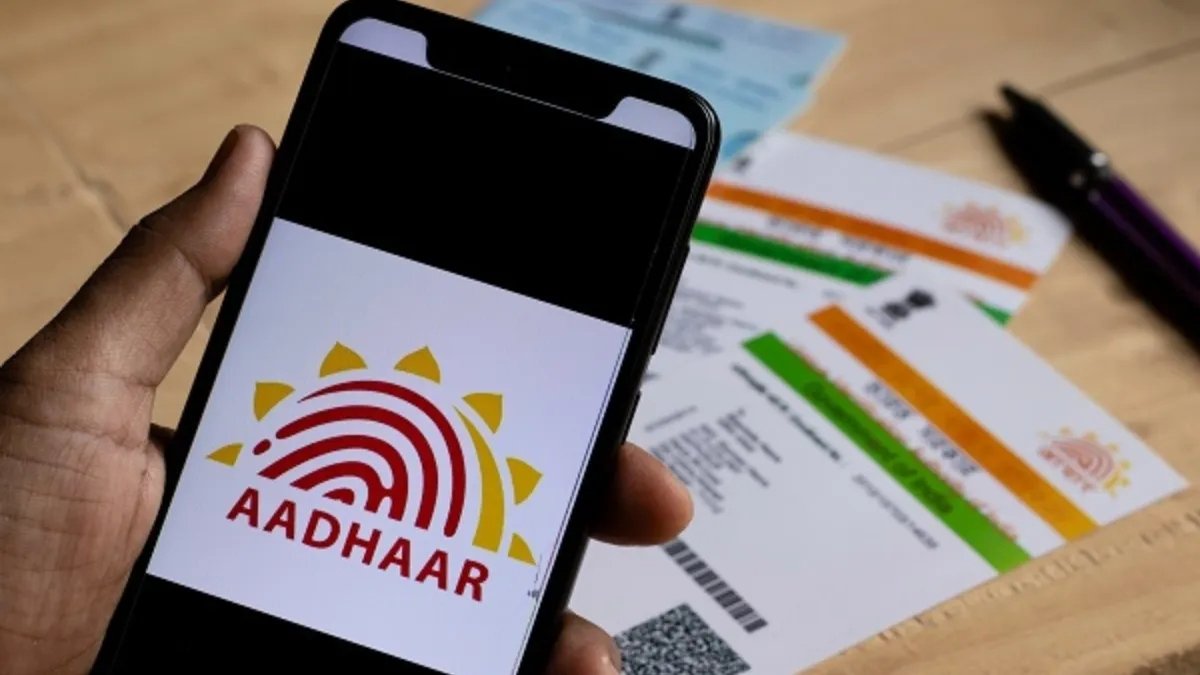
Aadhaar Update: How to change your mobile number and address without going to Aadhaar center, you will get all the guide here
Aadhaar App: Since the introduction of Aadhaar app, updating Aadhaar details has become easy. With its help, users can now update their mobile number and address online without going to the Aadhaar center. This saves time and minimizes paperwork. This is not complicated and can be done with just the help of a smartphone. Through this, users can update from anywhere and for this they do not need to visit the physical Aadhaar center.
UIDAI has provided the facility to update Aadhaar online so that these tasks become easy for everyone and the management of identity also becomes simple. This is especially useful for those places where the centers are far away and it is not possible for people to go there easily.
Know here the step-by-step method to update mobile number in Aadhaar.
step 1: Aadhaar app can be downloaded from Google Play Store or Apple Play Store
Step 2: Click on the Aadhaar app on your phone
Step 3: Quick update on mobile number in this
Step 4: Enter your new mobile number here
Step 5: An OTP will come on the new number
Step 6: Enter this OTP in the app
Step 7: Go ahead and complete the face recognition process
Step 8: Submit request for update
Step 9: Wait for verification and confirmation from UIDAI
Step 10: Update status within the app after some time
Step 11: Make sure your phone has a stable connection during this entire process.
Step-by-step method to update address in Aadhaar
step 1: Tap on the Aadhaar app in your phone
Step 2: Login through registered mobile number and Aadhaar number
Step 3: Authenticate MPIN or biometric or face recognition
Step 4: Click on Services in the app
Step 5: Click here to update address
Step 6: Select the method based on family Aadhaar or the document on which you want to update
Step 7: Check the required address proof correctly
Step 8: Type a new address in the New Address column.
Step 9: Verify the information and submit
Step 10: Pay its fee of Rs 75
Step 11: Send request to verify
Step 12: Wait for UIDAI approval
Step 13: Continue monitoring the application status until the update is complete
Step 14: If further verification is necessary then keep the documents ready for it.
read this also






Add comment