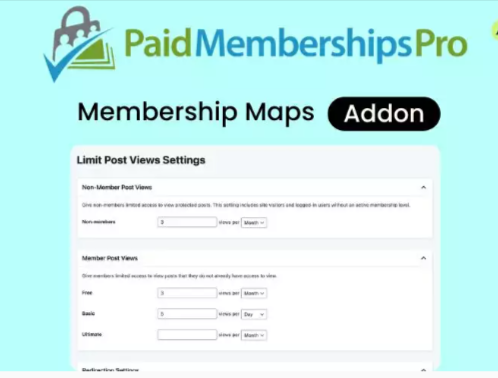
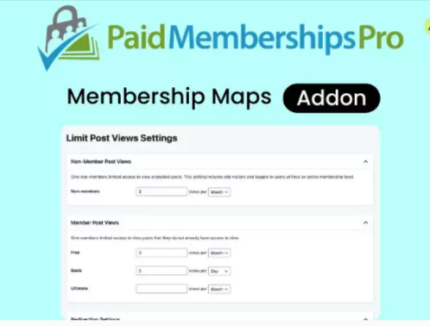
Paid Memberships Pro Membership Maps Addon
This is a GPL-distributed version. No official support. Clean, secure, and legally redistributed under the GPL license.
Display a map of members via shortcode or on the frontend pages for the Member Directory and Profiles Add-On.
This plugin creates a shortcode [pmpro_membership_maps] you can place on any page of your WordPress site. Membership Maps will also display automatically on the Member Directory and Profiles Add On frontend pages.
Installation
You must have the Paid Memberships Pro plugin installed and activated with a valid license type to use this Add On.
- Navigate to Memberships > Add Ons in the WordPress admin.
- Locate the Add On and click “Install Now” – To install this plugin manually, download the .zip file above, then upload the compressed directory via the Plugins > Add New > Upload Plugin screen in the WordPress admin.
- Activate the plugin through the Plugins screen in the WordPress admin.
Settings
- This plugin requires Paid Memberships Pro to be installed and activated.
- By default, the map will geocode the member’s “Billing Address”. Navigate to Memberships > Settings > Payment Gateway & SSL in the WordPress admin. Confirm the “Show Billing Address Fields” setting is set to “Yes”. If you need to use a different member address for the map
- Next, enter your Google Maps API Key on the Memberships > Settings > Advanced Settings page in the WordPress admin.


 The Best WordPress Performance Plugin
Rated 5.00 out of 5
The Best WordPress Performance Plugin
Rated 5.00 out of 5 WoodMart Theme Responsive WooCommerce WordPress Theme 8.4.1
 Elementor PRO WordPress Page Builder
 10 days Free Trial Plan




Reviews
There are no reviews yet.